

Small Business Spreadsheet & Planner Bundle | Income Expense Profit Tracker, Orders, Clients and Inventory
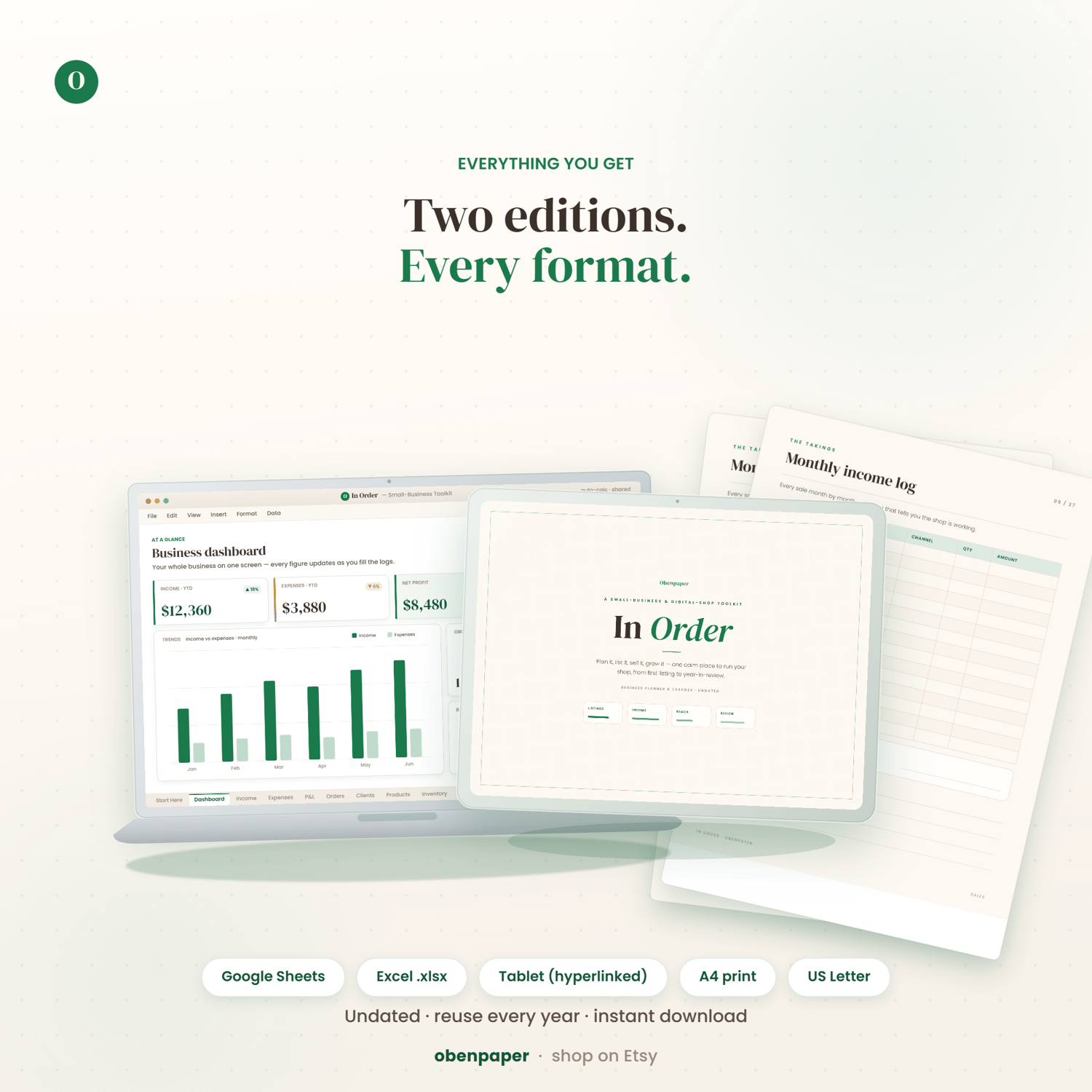
Everything your business needs, in one place — and two ways to use it.
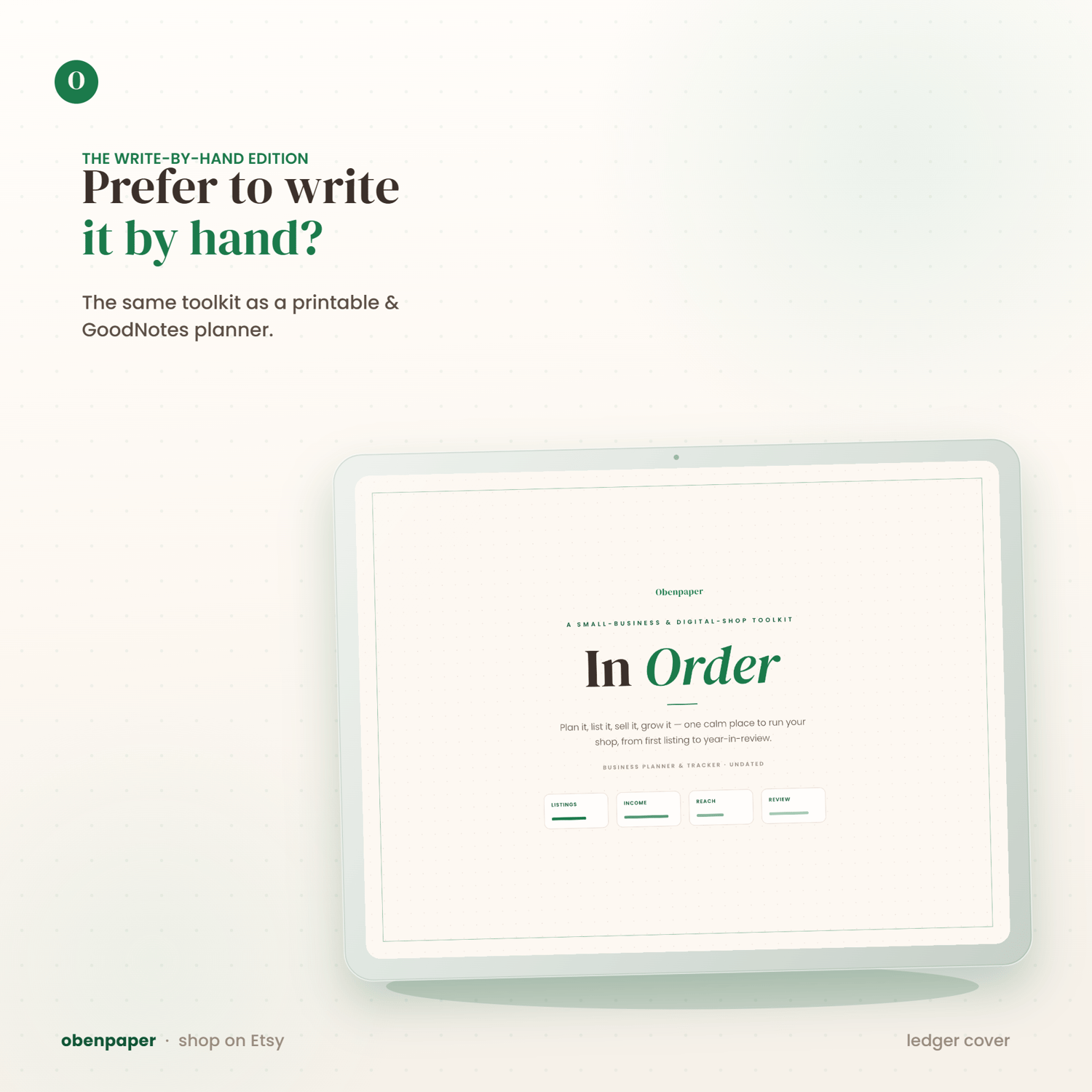
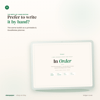
Get the auto-calculating spreadsheet for the numbers (a dashboard that does the maths for you), plus the printable & GoodNotes planner for the pages you'd rather write on.
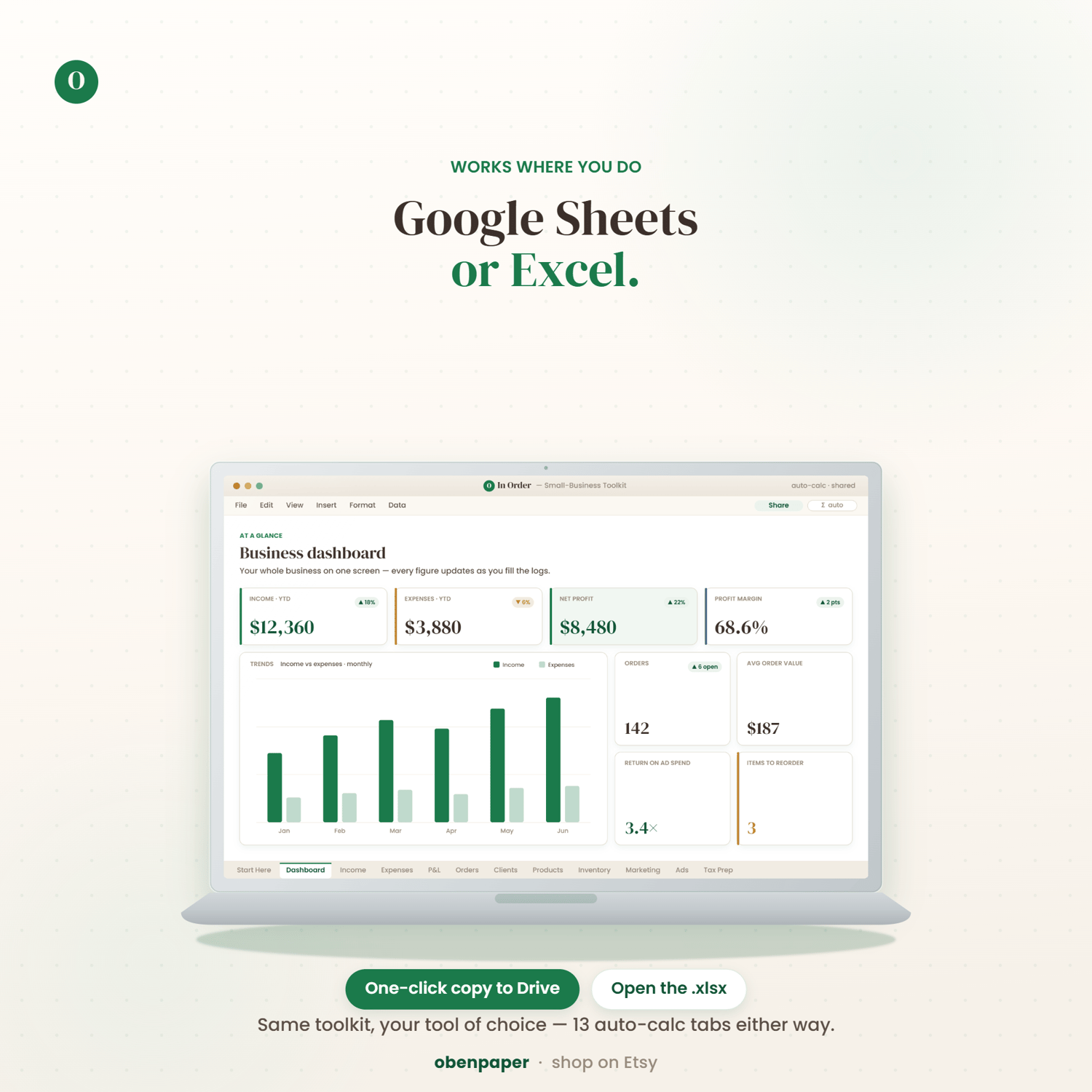
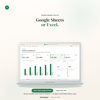
Stop running it all out of your head, a notes app and three half-finished spreadsheets. Use the spreadsheet in Google Sheets or Excel, and the planner on your tablet in GoodNotes or Notability, or print only the pages you need.
✦ What you get
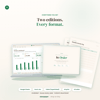
✔ Spreadsheet edition — Google Sheets (one-click copy) + Excel (.xlsx), 13 auto-calculating tabs
✔ Planner edition — 3 PDFs: Tablet (hyperlinked for GoodNotes/iPad), A4 & US Letter
✔ A simple start-here guide
✔ Undated & reusable, with lifetime access to your files
✦ Inside the spreadsheet (Google Sheets + Excel)
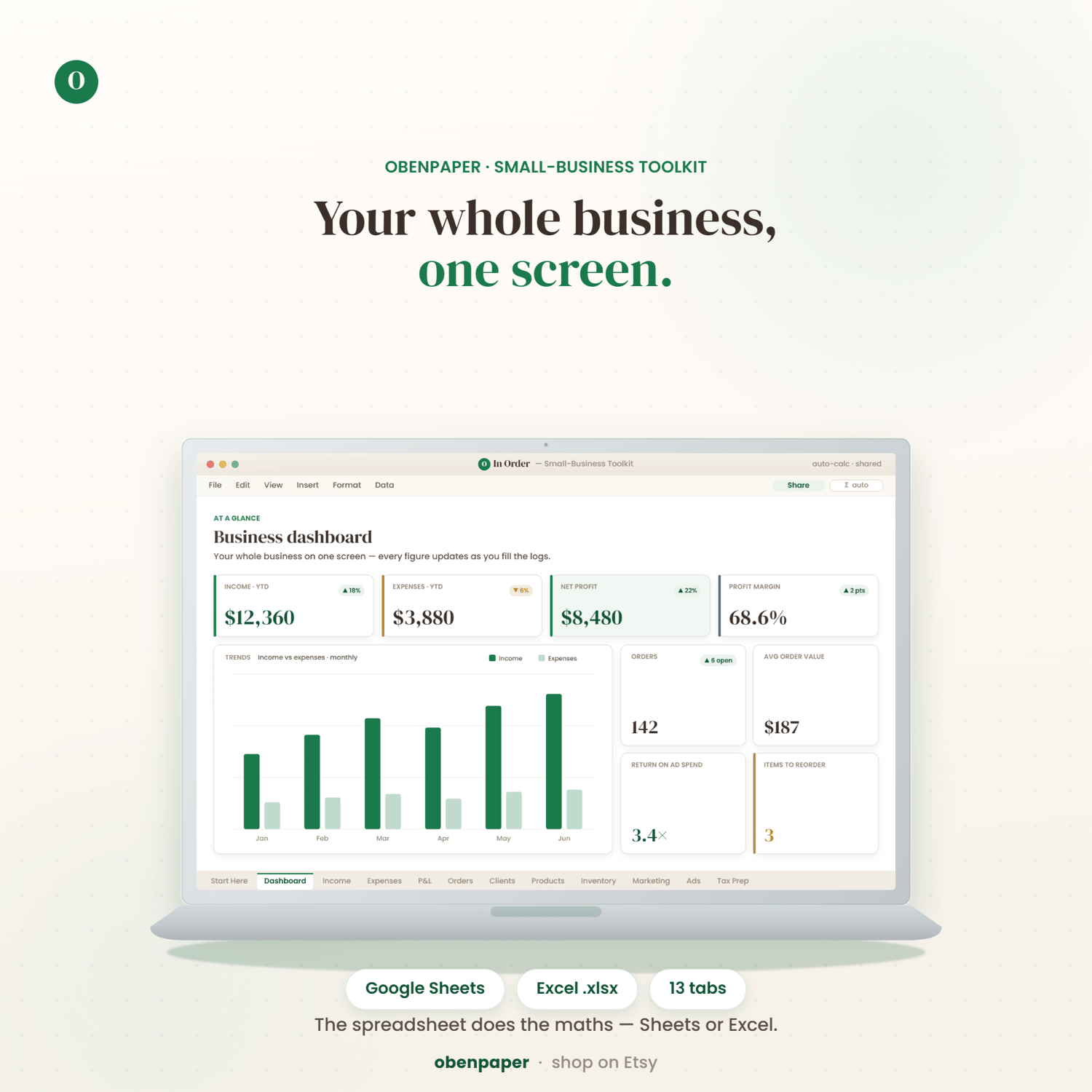
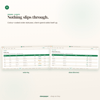
• Dashboard — income, expenses, profit, margin, orders, average order value, stock alerts & ad return on one screen, all auto-calculated
• Income & expense trackers — log it once, the month sorts itself
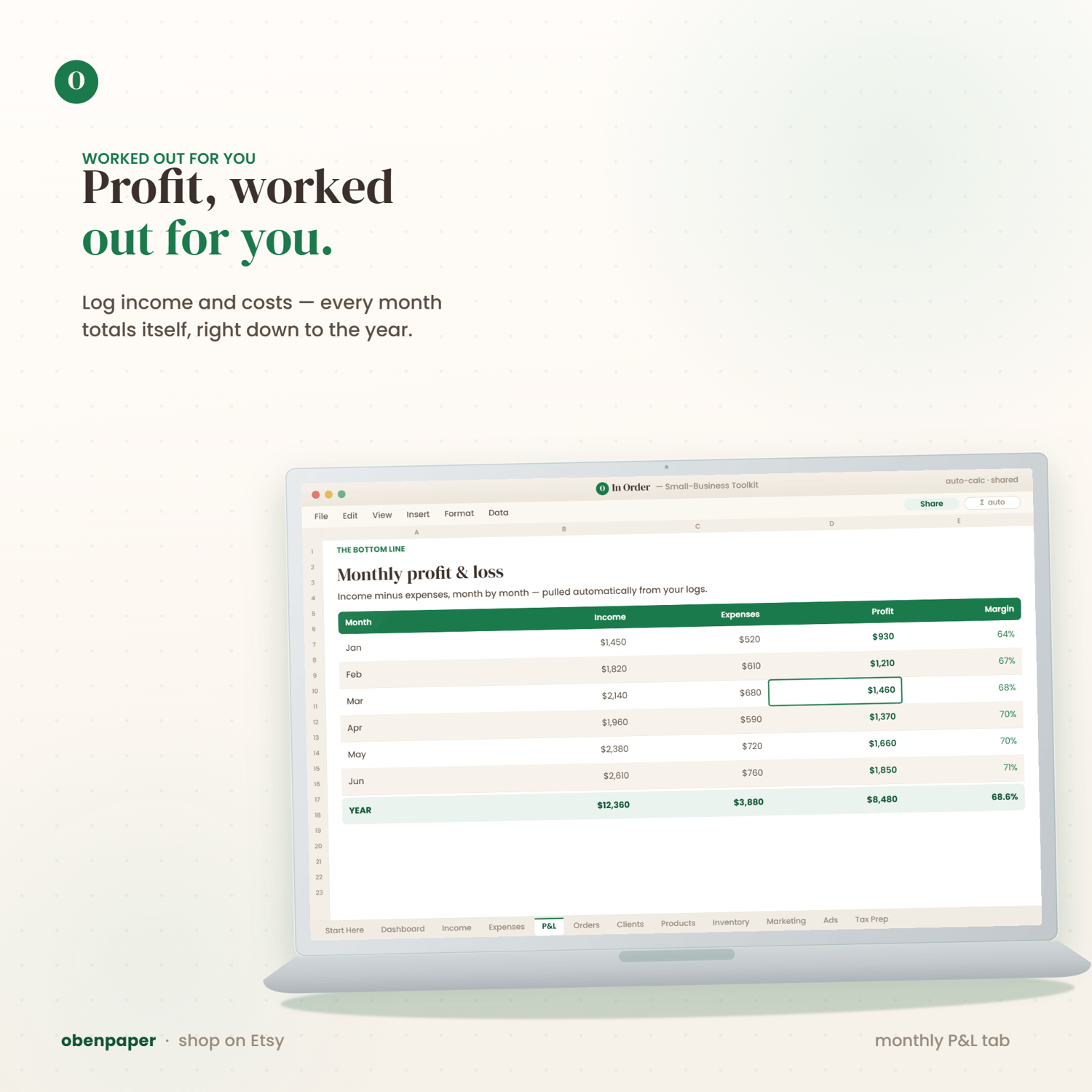
• Profit & loss — every month and a year total, worked out for you
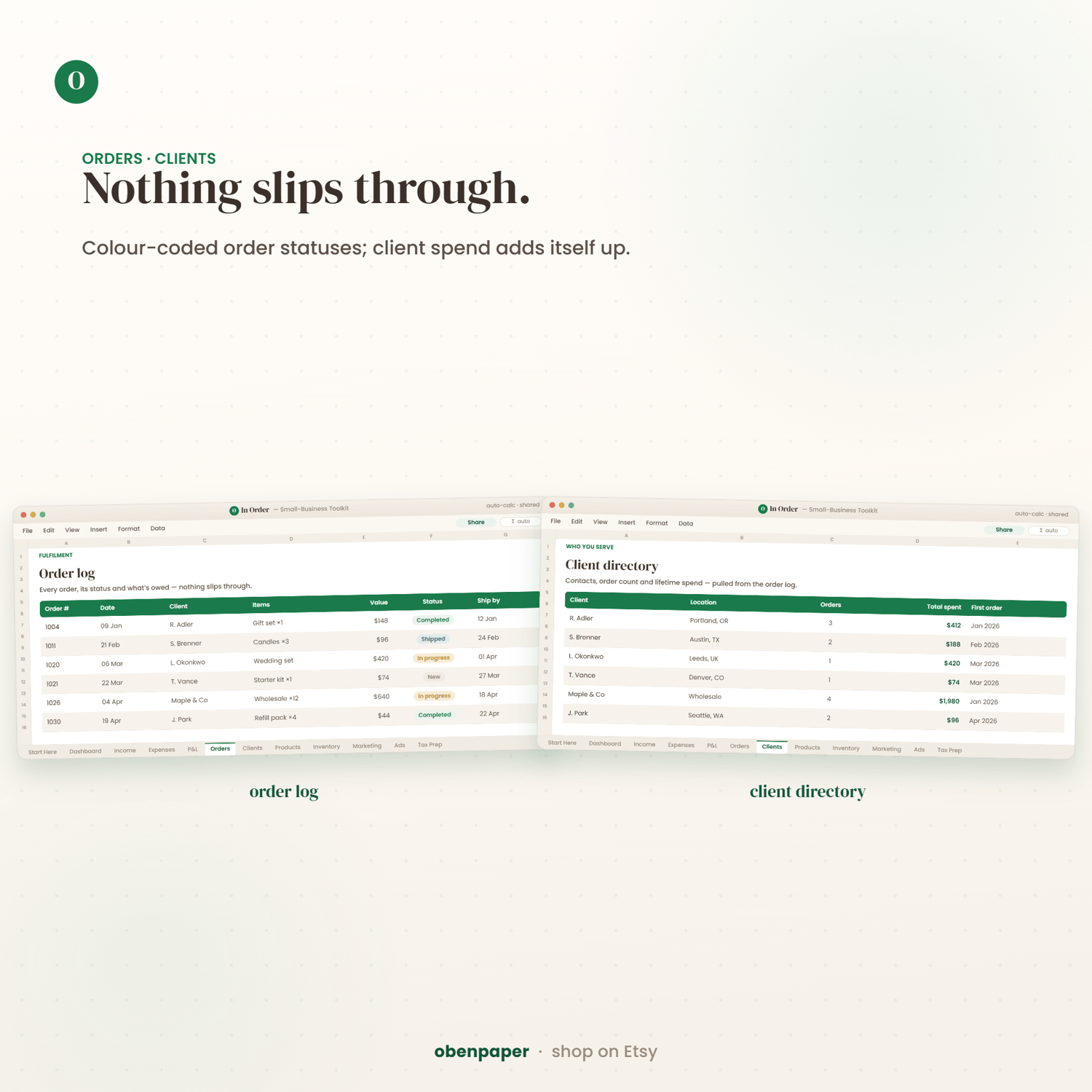
• Order log — with colour-coded status
• Client directory — order count & lifetime spend pulled in automatically
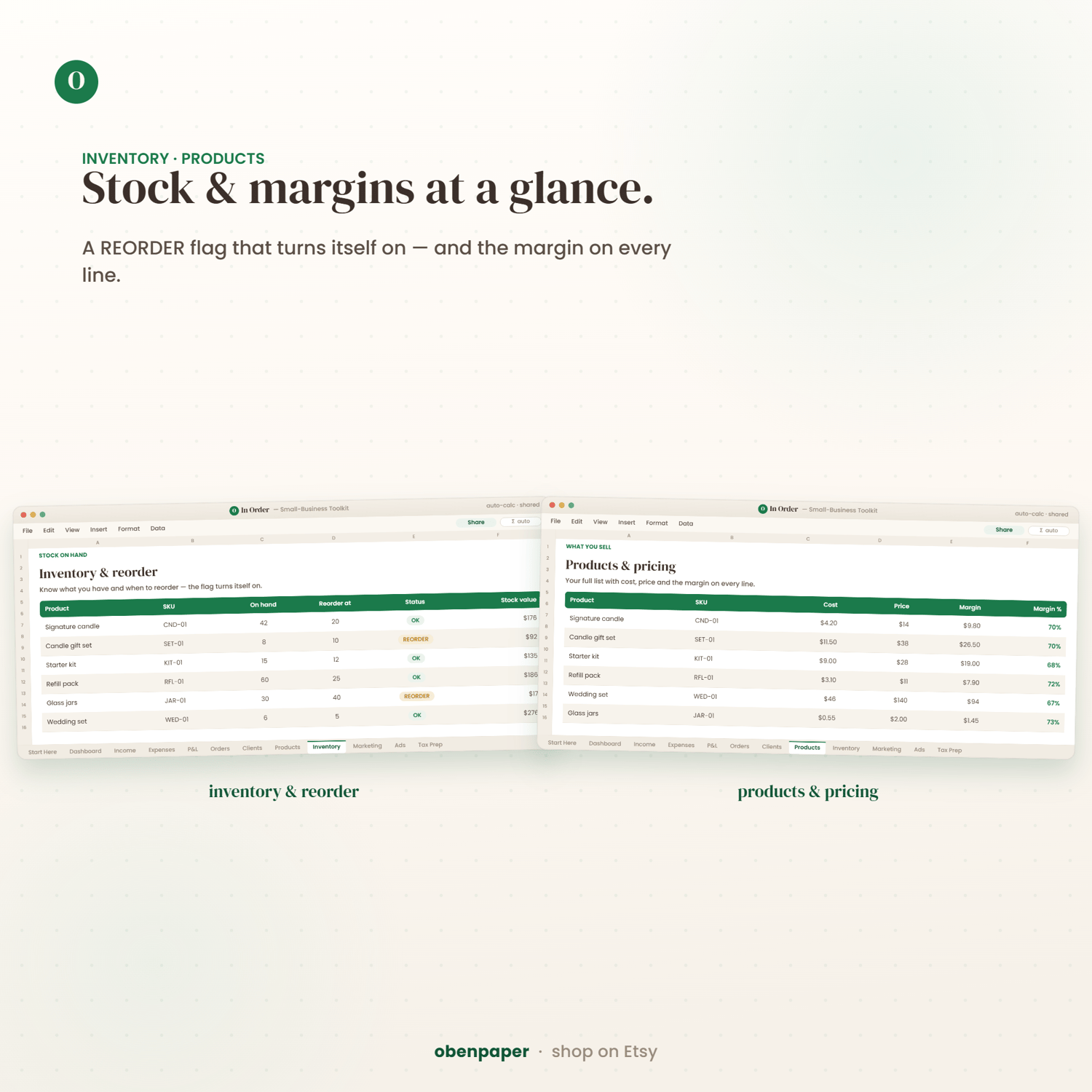
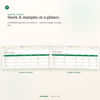
• Products & pricing — cost, price and margin on every line
• Inventory — a REORDER flag that turns itself on
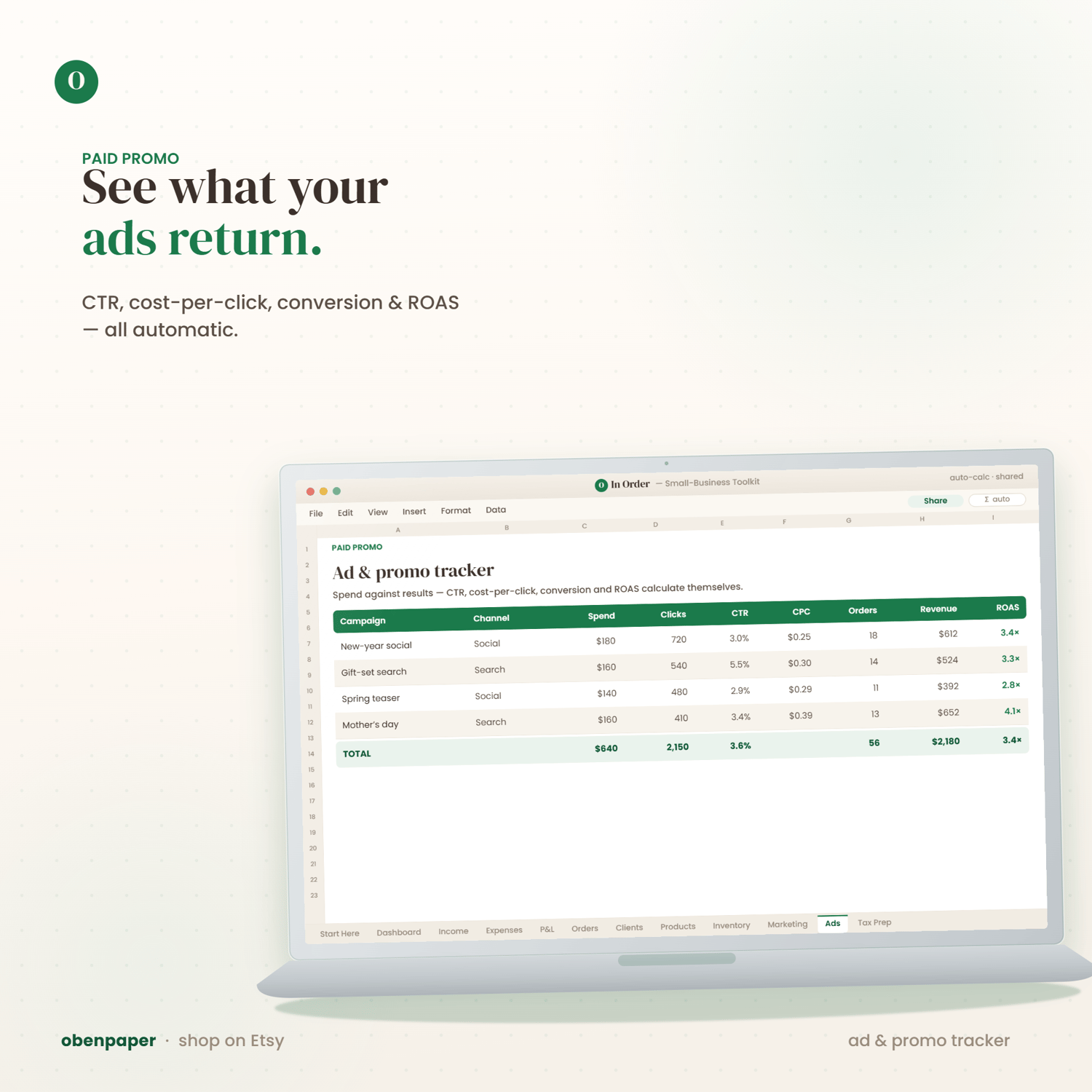
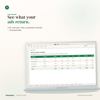
• Marketing planner & ad tracker — CTR, cost-per-click, conversion & return on ad spend calculated for you
• Tax-prep summary for your accountant
✦ Inside the planner (PDF)
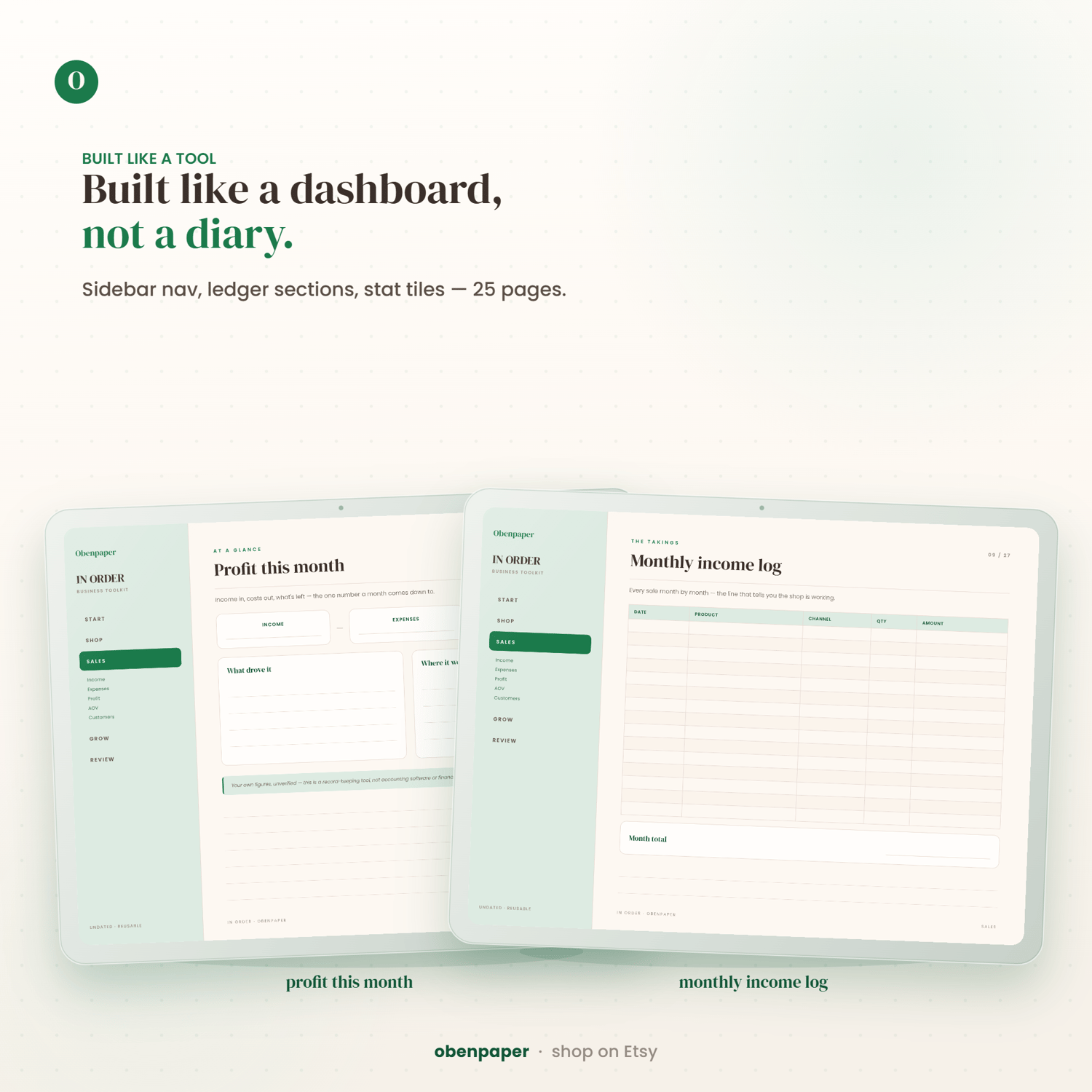
• Business dashboard & monthly goals
• Income, expense & monthly profit pages
• Order log, client directory, products & pricing
• Inventory & stock, supplier log
• Marketing & content planner, ad & promo tracker
• Weekly & monthly reviews
• Tax-time prep
• Password log & notes
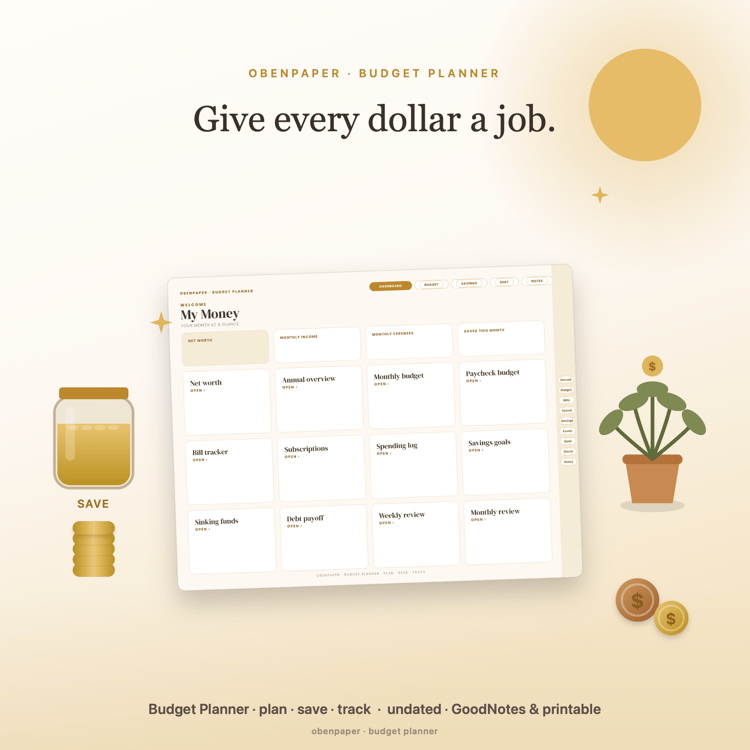
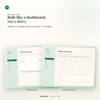
✦ Built like a dashboard, not a diary A clean operator layout — left-sidebar navigation, ledger sections and stat tiles — so your numbers read at a glance. The tablet PDF is fully hyperlinked: tap the sidebar to jump anywhere.
✦ How it works
1) Buy and download instantly.
2) For Google Sheets, open the start-here guide and tap the copy link — your own private copy is made in seconds.
3) Prefer Excel? Open the .xlsx.
4) Import the PDFs into GoodNotes or Notability, or print them.
Everything is undated — start any day, run it again next year.
✦ Compatibility Spreadsheet: Google Sheets (free Google account) or Microsoft Excel. Planner: GoodNotes, Notability or any PDF app on iPad/tablet; A4 & US Letter print on any home or shop printer.
✦ Please note This is an organisational and record-keeping toolkit, not financial, tax, accounting or legal advice, and not a substitute for a qualified professional — for advice on your numbers, please speak to an accountant or advisor.
Digital product for personal and single-business use. Because it's an instant download, all sales are final and non-refundable, and by purchasing you waive the standard EU right of withdrawal for digital goods.
Colours may vary between screens and printers.
Please don't share, resell or redistribute the files. Not affiliated with any brand, marketplace or app.
© Obenpaper — all rights reserved.